What's in My CLAUDE.md in Early 2026
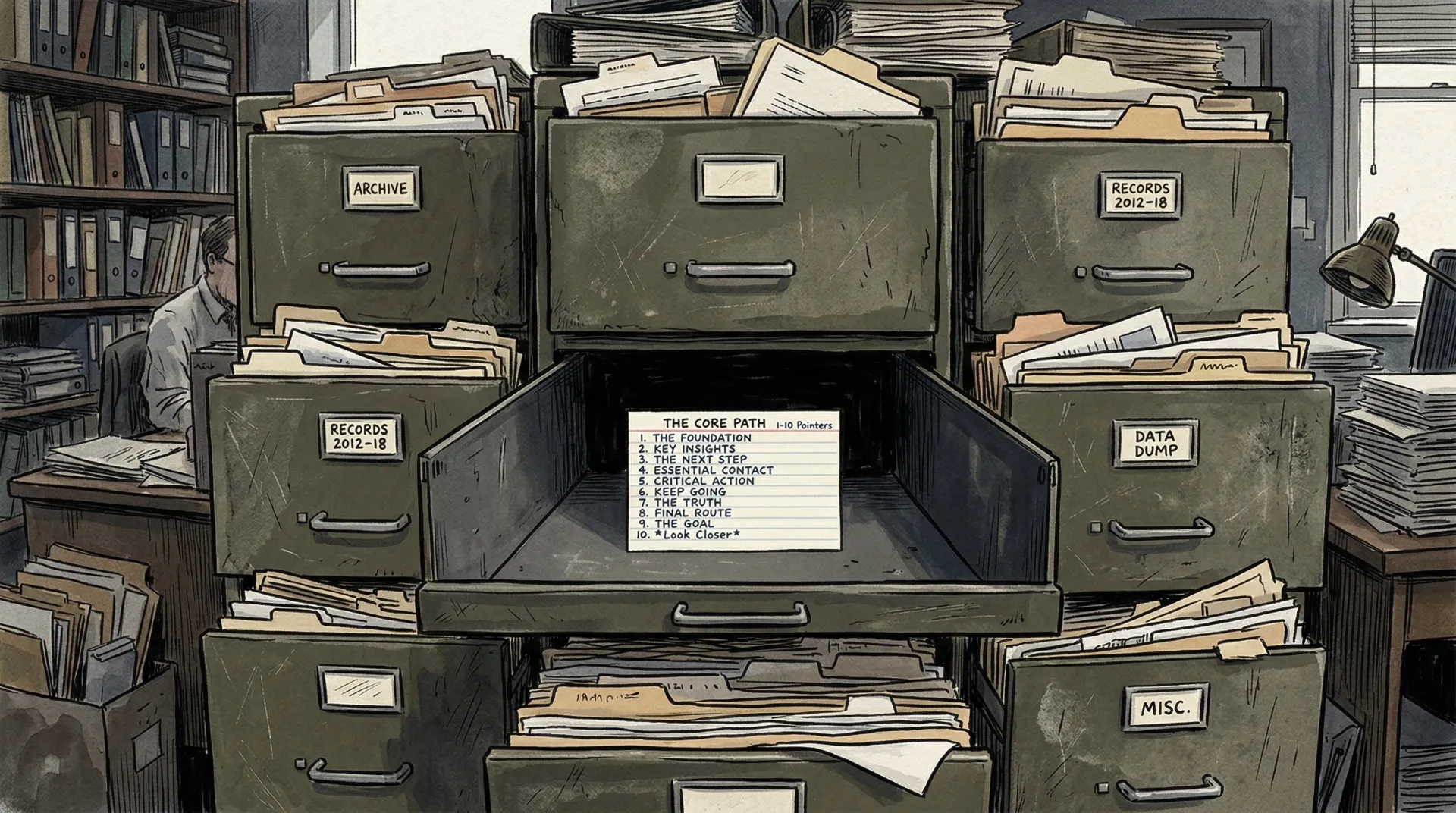
Claude Code is Anthropic’s AI coding agent. It runs in your terminal, reads your codebase, and uses tools to write code, run commands, and manage files. You configure it through a CLAUDE.md file in your project root, plus an optional user-level one at ~/.claude/CLAUDE.md.
In my previous post I recommended RTK (Rust Token Killer) for compressing command output. I’ve since backed off that recommendation. RTK is a promising idea, but the tool needs more time to mature, and I ran into enough rough edges that I can’t suggest others adopt it yet. I’ll revisit it in six months.
My project’s CLAUDE.md file is one line: @AGENTS.md. That @ directive tells Claude Code to inline the contents of AGENTS.md into the session context. I keep it this way on purpose. CLAUDE.md is Claude Code’s config file. AGENTS.md is where the actual instructions live, and any AI tool can read it. If I add another agent framework later, the instructions don’t need to move. And with the way things are going, you never know when the development might be happening entirely without you at the keyboard. ;) ;)
This post walks through what that AGENTS.md contains, how I manage skills, and what I learned from auditing the context that loads when Claude Code processes my first message in a session.
The Context Tax
Every Claude Code session loads a block of context when it processes your first message. The base system prompt, your CLAUDE.md (and anything it @-includes), installed skills, tool schemas, MCP server definitions, git state, and auto-memory all get injected into that initial prompt. My project was loading roughly 30,000 tokens before Claude Code even started thinking about what I asked.
The breakdown:
| Source | Weight | What it is |
|---|---|---|
AGENTS.md (via @ include) | ~40% | Project overview, architecture, conventions, skill tables, hooks, MCP docs, troubleshooting |
| Skills list | ~20% | Name + trigger description for each installed skill |
| Base system prompt | ~15% | Claude Code’s built-in instructions for tool usage, git protocols, coding guidelines |
| Tool schemas | ~10% | Full JSON schemas for the 9 built-in tools |
| Deferred tools + MCP | ~8% | Tool names from MCP servers, usage instructions |
| Git status + memory | ~7% | Repo state snapshot, auto-memory index |
AGENTS.md dominated because it was 592 lines. Every architecture detail, every troubleshooting entry, every skill description was inlined into every session, whether the session needed it or not.
Context windows are becoming less of a hard constraint. Anthropic set the default Claude Code model to Opus with a 1M context window, available on the Max plan. I’m on Max, so running out of room isn’t the immediate concern it used to be. But a bigger window doesn’t fix irrelevant instructions diluting the relevant ones. Keeping the always-loaded context clean is about organization and signal quality, not just token budgets.
The AGENTS.md Index
My AGENTS.md is now 213 lines. It keeps only what every session needs: project overview, tech stack, directory map, code conventions, build commands, a key files reference table, quality gates, and a definition of done. Each of these is something the agent should know regardless of whether it’s writing a feature, fixing a bug, or reviewing code.
Everything else lives in docs/agents/ and gets read on demand when the task requires it:
architecture.md— auth, payments, KYC, email patternsdev-setup.md— environment setup, test accountshooks.md— hook event to script mappingmcp-servers.md— Context7, Prisma-Local, shadcn, Stitch usagesubagent-delegation.md— skill loading, workflow chainstroubleshooting.md— common issues and fixesmaintenance.md— how to update AGENTS.md and the detail files
An agent working on payment flows reads architecture.md. An agent debugging a test failure reads troubleshooting.md. An agent adding a blog post reads neither.
A lean index is only useful if it stays accurate. In another project I use two hooks that work as a pair to handle this. A PostToolUse hook on Edit and Write logs every modified file path to a temp file:
#!/bin/bash
INPUT=$(cat)
FILE_PATH=$(echo "$INPUT" | jq -r '.tool_input.file_path // empty' 2>/dev/null)
if [ -n "$FILE_PATH" ] && [ -n "$CLAUDE_PROJECT_DIR" ]; then
  REL_PATH="${FILE_PATH#$CLAUDE_PROJECT_DIR/}"
  PROJ_HASH=$(echo "$CLAUDE_PROJECT_DIR" | md5 -q 2>/dev/null \
    || echo "$CLAUDE_PROJECT_DIR" | md5sum 2>/dev/null | cut -c1-8)
  echo "$REL_PATH" >> "/tmp/claude-modified-${PROJ_HASH}-${PPID}.txt"
fi
exit 0
The $PPID in the filename keeps parallel sessions from writing to each other’s tracking files. Then a Stop hook (also wired to SubagentStop for fullstack-developer, test-writer, test-debugger, and code-reviewer) checks whether any of those files match structural patterns:
#!/bin/bash
INPUT=$(cat)

STOP_HOOK_ACTIVE=$(echo "$INPUT" | jq -r '.stop_hook_active // false' 2>/dev/null)
if [ "$STOP_HOOK_ACTIVE" = "true" ]; then exit 0; fi

PROJ_HASH=$(echo "$CLAUDE_PROJECT_DIR" | md5 -q 2>/dev/null \
  || echo "$CLAUDE_PROJECT_DIR" | md5sum 2>/dev/null | cut -c1-8)
TRACKING_PATTERN="/tmp/claude-modified-${PROJ_HASH}-*.txt"

HAS_FILES=false
for f in $TRACKING_PATTERN; do
  [ -f "$f" ] && HAS_FILES=true && break
done
if [ "$HAS_FILES" = "false" ]; then exit 0; fi

FOUND_STRUCTURAL=false
for f in $TRACKING_PATTERN; do
  [ -f "$f" ] || continue
  if grep -qE '(\.claude/(hooks|settings|agents|skills)/|package\.json|prisma/schema|tsconfig|eslint\.config|Makefile|docker-compose|scripts/|src/lib/|src/app/api/)' "$f"; then
    FOUND_STRUCTURAL=true
  fi
  rm -f "$f"
done

if [ "$FOUND_STRUCTURAL" = "true" ]; then
  echo "You modified project-structural files. Check if AGENTS.md needs updating." >&2
  exit 2
fi

exit 0
If someone edits package.json, a Prisma schema, a hook script, or anything under src/lib/ or src/app/api/, the agent can’t mark its task as done until it checks whether AGENTS.md reflects the change. The grep pattern is the part you’d customize for your own project structure.
The biggest single win was removing two sections that never should have been in the always-loaded file: the Skill Intent Table (65 lines) and Skills by Category (95 lines). Both listed every skill’s name, purpose, and trigger conditions. Claude Code already injects this exact information into the system prompt for every installed skill. I was paying for the same data twice — 160 lines of context that duplicated what the system already provided.
Ten Permanent Skills
I had 57 project-level skills installed. Each skill adds its name and trigger description to the system prompt, roughly 50 tokens per skill. That’s about 2,800 tokens just for the skills list, loaded into every session. Most of those skills (marketing, SEO, CRO, secondary auth/prisma variants) were used in under 5% of sessions.
I cut down to 10 permanent installs:
better-auth-best-practices, copywriting, design-taste-frontend, find-skills, javascript-testing-patterns, next-best-practices, prisma-cli, prisma-client-api, shadcn, vercel-react-best-practices
Everything else loads on demand. I install all my repo skills through npx skills (Vercel’s Skills CLI), so the dynamic workflow looks like this:
- The agent checks what skills are currently installed.
- If the task needs a skill not in the permanent set, it uses
find-skillsto discover one. - It installs the skill at the project level with
npx skills add <owner/repo> -s <skill> -a claude-code -y(never globally). - It registers the install in
.agents/dynamic-skills.md, a coordination file that tracks which skills are active and which session installed them. - A
SessionEndhook removes any skill not in the baseline list.
I tried Stop first for the cleanup, but Stop fires after every model response. A skill installed mid-session would get removed after the very next response, before the agent finished using it. SessionEnd fires once, when the conversation actually ends, and only for the main session, not for subagents. The hook diffs installed skills against the baseline list and removes extras, skipping any skill that another active parallel session registered in the coordination file.
The file structure:
.agents/skills/— source of truth for all skill files.claude/skills/— symlinks pointing to.agents/skills/.agents/dynamic-skills.md— baseline list plus active dynamic skills table
The symlink approach means Claude Code reads from its expected .claude/skills/ directory, but the actual files live under .agents/ where they’re version-controlled and accessible to any tool.
One tradeoff worth knowing: skills installed this way are snapshots. If the upstream skill gets updated, your local copy stays stale until you reinstall it. Claude Code plugins solve the staleness problem since they pull from the source on each session, but each plugin adds its own skills and hook outputs to the system prompt. I have six active plugins (explanatory-output-style, hookify, skill-creator, claude-code-setup, claude-md-management, typescript-lsp), each adding a few hundred tokens. Six plugins together rival a medium-sized AGENTS.md section in context cost. So you’re trading staleness risk for context bloat, or vice versa. I use skills for domain-specific knowledge that changes slowly and plugins for tooling that I want always current. If you’re running plugins you haven’t touched in weeks, they’re worth auditing.
User-Level CLAUDE.md
I also have a user-level CLAUDE.md at ~/.claude/CLAUDE.md that applies to every project on my machine:
- NEVER assume anything. When faced with ambiguity, prefer to ask the user,
  in case you cannot solve the question via Web Search or docs retrieval.
- When launching Explore (not coding) agents, do a 'hybrid search'.
  Start exploring with Haiku, then if you need to understand deeper,
  explore with Sonnet. Overall, your Explore Philosophy should be
  'Haiku for searching, Sonnet for understanding' before creating a Plan.
- When launching Plan and coding agents, you MUST use the `opus` model.
- For non-trivial development tasks, delegate to the following subagents:
  * `fullstack-developer`: General coding
  * `test-writer`: For writing tests
  * `test-debugger`: To fix failing tests
  * `code-reviewer`: To review changes
- Combine agents when a task spans specialties (e.g., implement a feature
  with `fullstack-developer`, then review it with `code-reviewer`).
This handles model routing (Haiku for search, Sonnet for understanding, Opus for code) and subagent delegation rules. These are preferences that apply everywhere, so they live at the user level rather than repeated in every project’s AGENTS.md.
What I’d Check in Your Setup
- Open your CLAUDE.md and look at what it
@-includes. If you have a monolithic instructions file, measure it. Every line in an@-included file is a line in every session’s context. The index pattern (lean always-loaded file with pointers to detail files read on demand) applies to agent instructions the same way lazy loading applies to web assets: pay the cost when you need it, not upfront. - Count your installed skills. Run
npx skills listand see how many you actually use regularly versus how many are sitting there adding to every session’s prompt. If you have more than 15-20 and you’re not using most of them in most sessions, the dynamic loading approach is worth the setup cost. - Check what the system already knows. Claude Code injects every installed skill’s name and trigger description into the system prompt automatically. If your CLAUDE.md also describes those skills, that’s duplicate context that the model has to parse twice with no benefit. Same principle applies to hook documentation that restates what’s already in
settings.json.
Este artículo también está disponible en Español.